
KTC MegPad 32″ Smart Portable TV, 4K Touch Screen Portable TV Monitor, Android 13 Google EDLA Certified 8G RAM+128G Storage, Octa-core CPU 9500mAh Battery, Dual 6W Speakers WiFi 6
899.99$
Product description
KTC 32 Inch 4K Portable TV 


1 Wireless screen casting
2 Charging
3 Ports&Battery
4 Rockchip 8 Cores
5 Warning
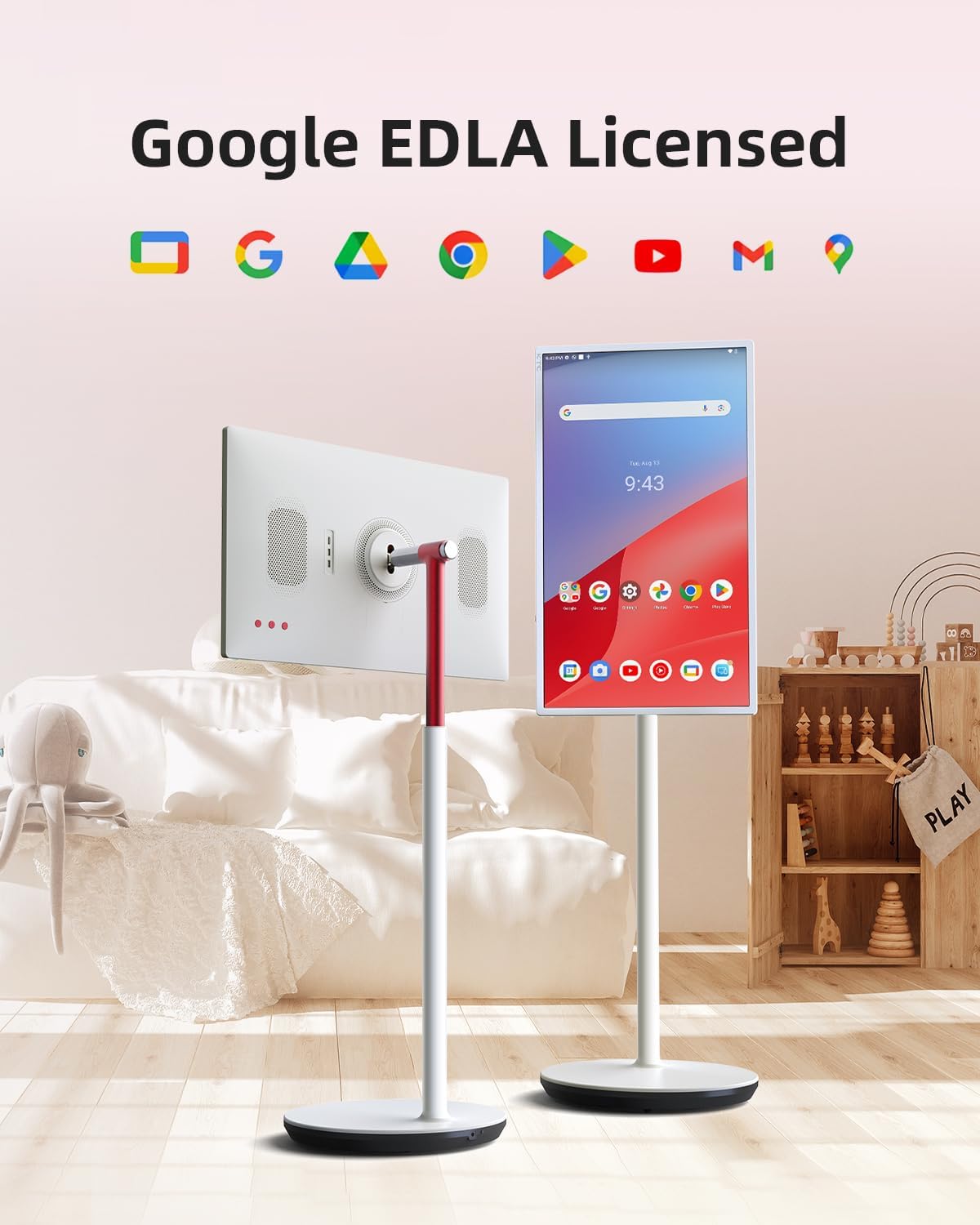
What are the advantages of Google EDLA certification comparedto an open app ecosystem?
Google EDLA certification provides secure, direct access to Google services and the Google Play Store with regular updates, offering greater stability and data
protection than open app ecosystems with unverified apps.
Can I Download Apps, Like Zoom, Teams, etc.?
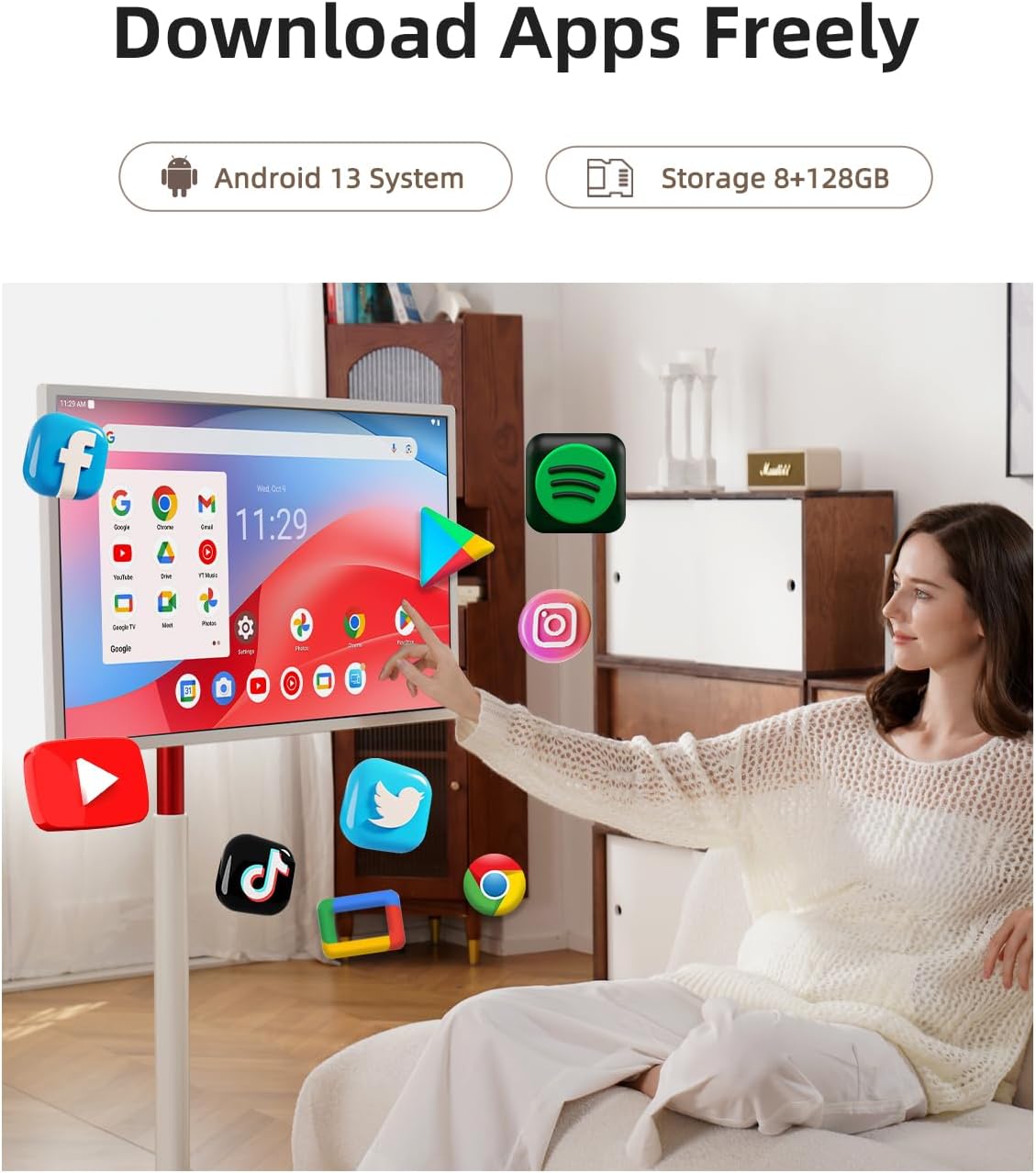
Yes, with Google Play Store access, you can download apps like Zoom, Teams or more apps on your MegPad A32Q7Pro, making it ideal for office and entertainment productivity.
What’s the Difference Between Android 13 and Android 11?
Android 13 offers better app compatibility and security than Androicd 11, ensuring your smartboard supports new apps and runs more smoothly in office or
classroom environments.
What should I do if the screen freezes or restarts automatically repeatedly?
Clear the cache in time and uninstall software downloaded from unofficial stores;
Back up data and try to **restore factory settings** and reset the system
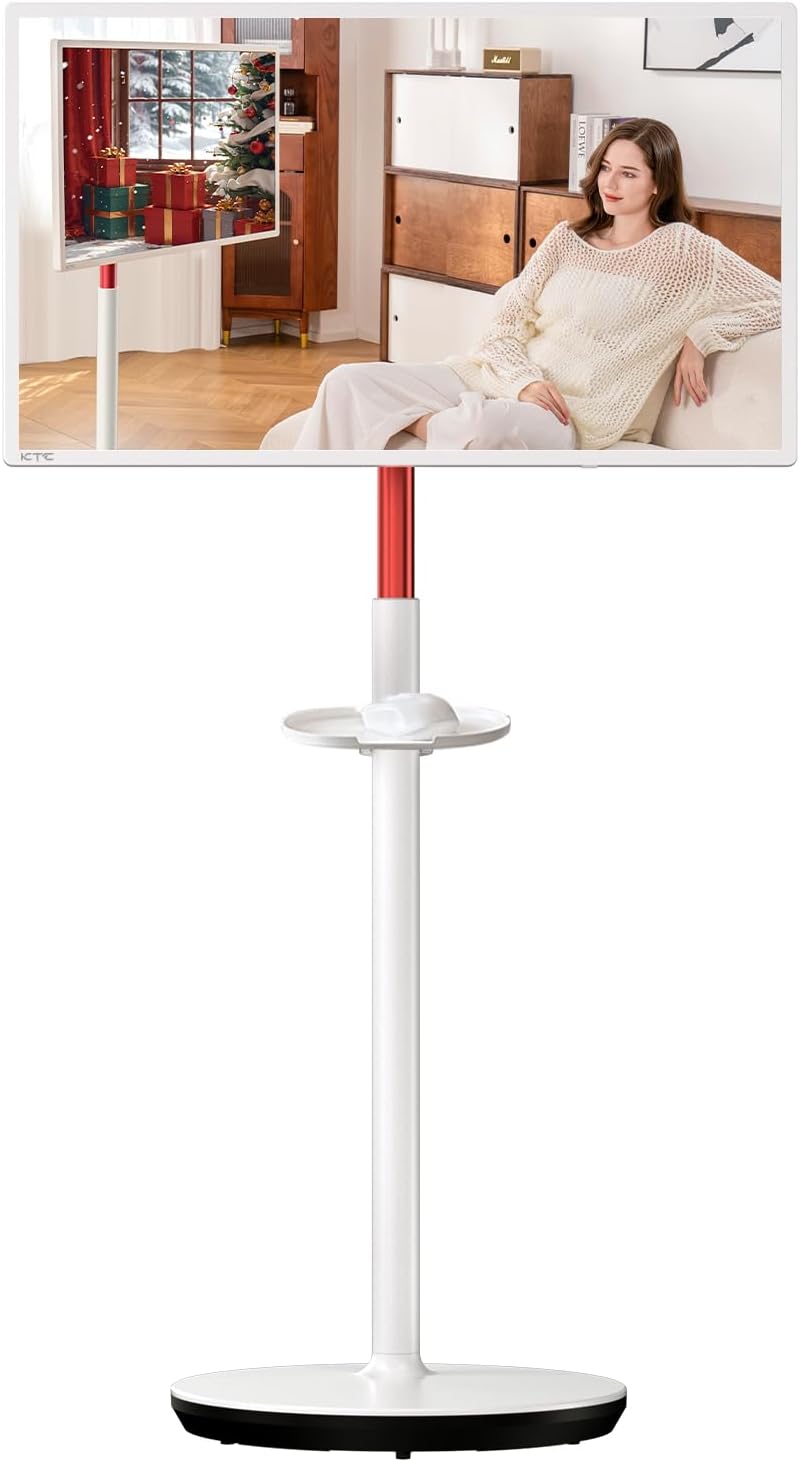
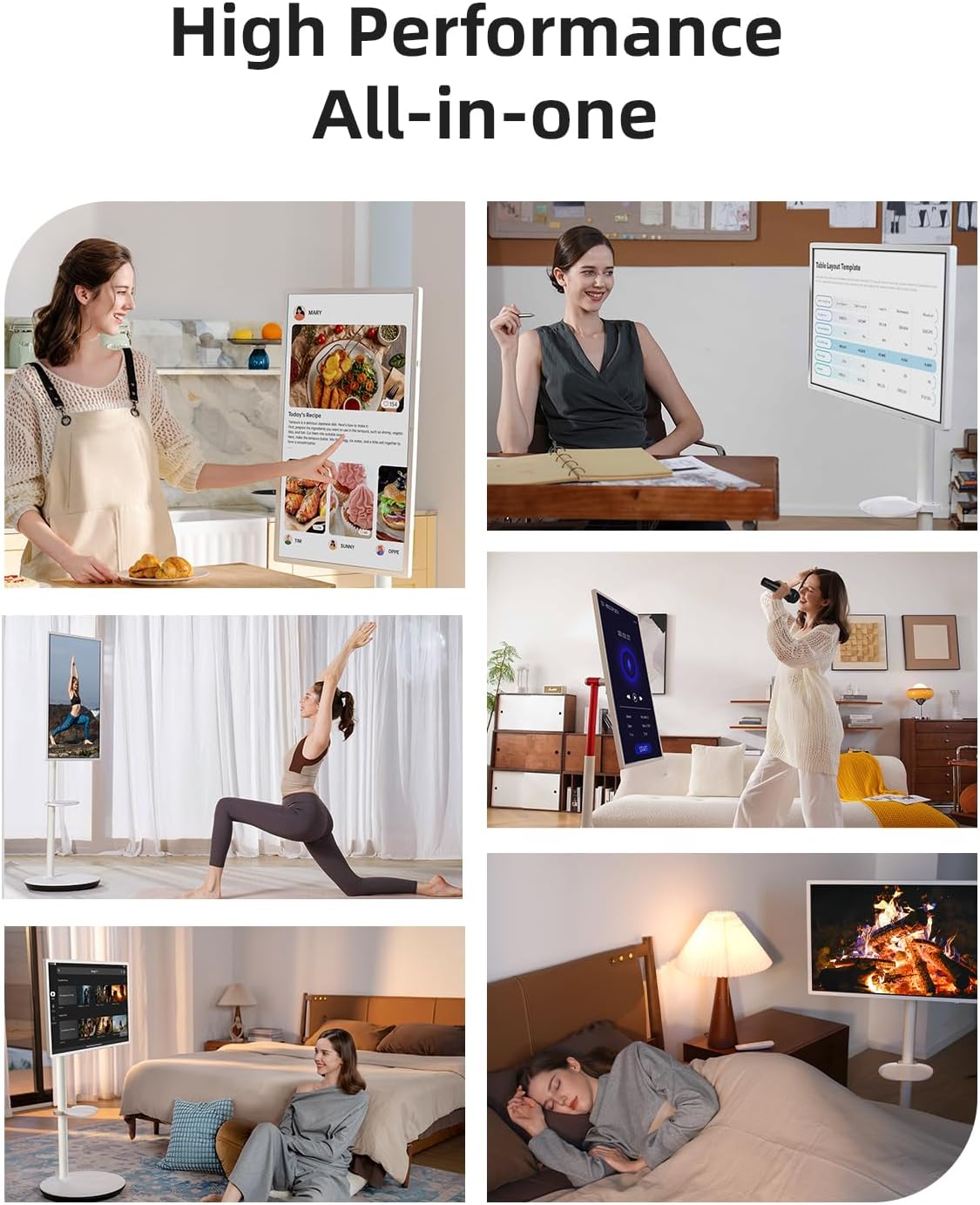
[UNLOCK CONVENIENCE AND FUN]Ready to transform your entertainment experience? The KTC A32Q7Pro MegPad rolling TV moves effortlessly with you, transforming every space into a hub of entertainment, learning, or work. Whether you’re catching up on your favorite shows, cooking new recipes, or practicing yoga, MegPad brings convenience and joy, making every moment more engaging and enjoyable.
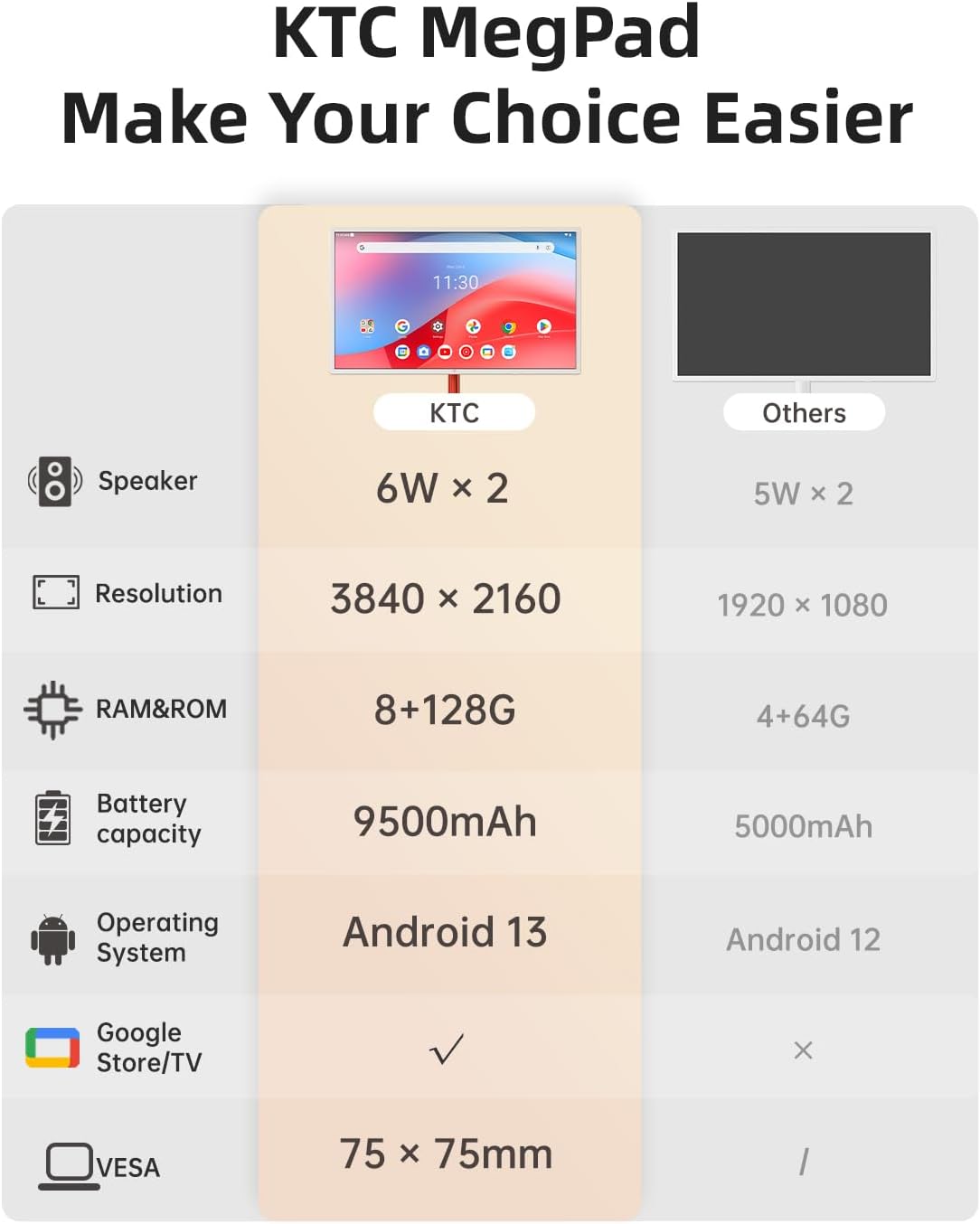
[CERTIFIED ENTERTAINMENT POWERHOUSE]Equipped with the latest Android OS 13.0 and boasting full Google certification, this tablet TV grants you access to over 100,000 apps on the Google Play Store. Powered by a high-performance Rockchip octa-core chip, along with 8GB RAM and 128GB storage, this portable smart TV ensures smooth performance and quick access to popular apps like Netflix and YouTube!
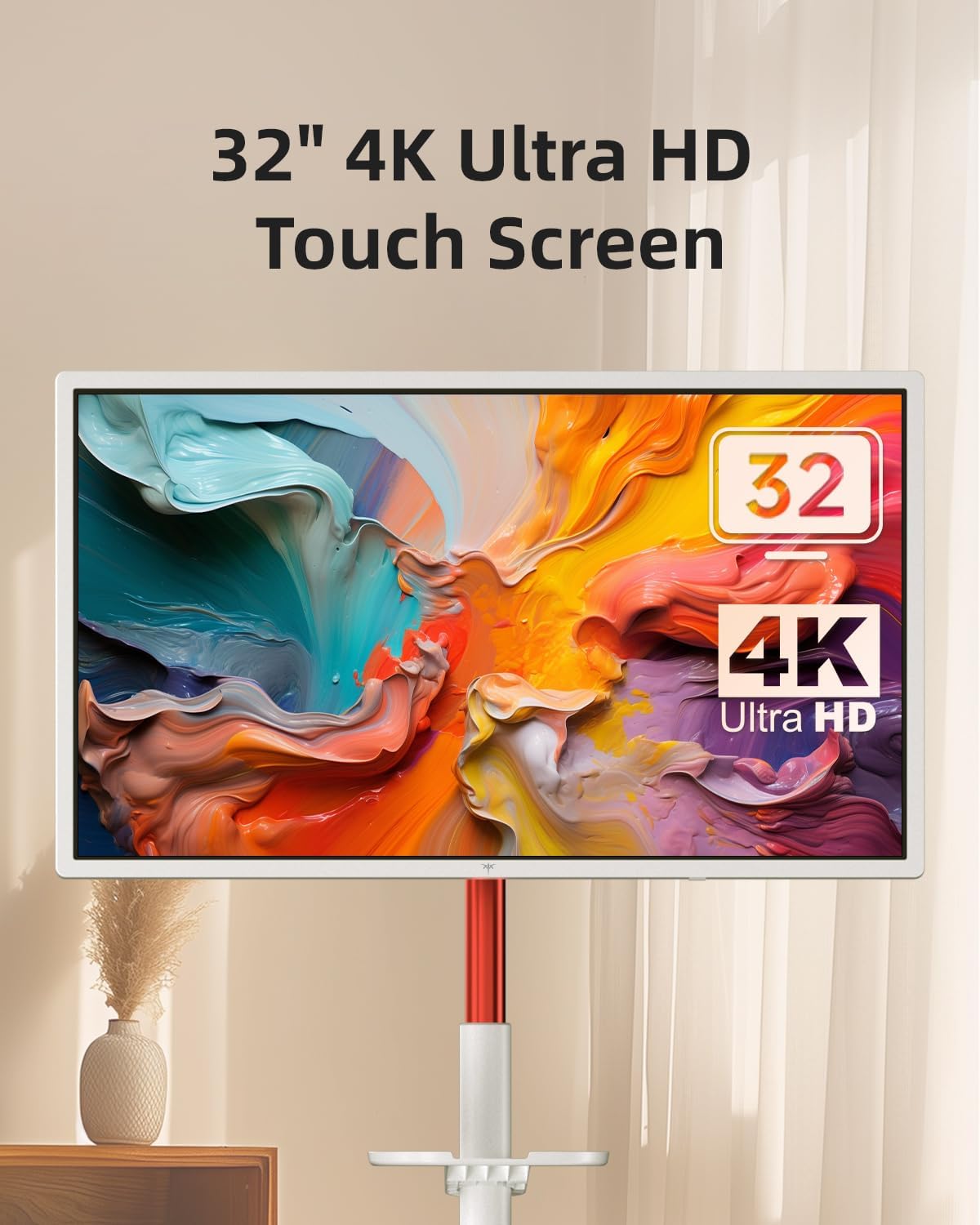
[32-INCH 4K TOUCHSCREEN MONITOR]Unlike typical 1080p rolling monitors, this 32 touch screen monitor features a vibrant 4K VA screen with Ten Point Touch, bringing your content to life.With a 3000:1 contrast ratio and 121% sRGB color gamut, colors pop with stunning clarity. The anti-glare screen ensures a comfortable viewing experience, perfect for both work and play!
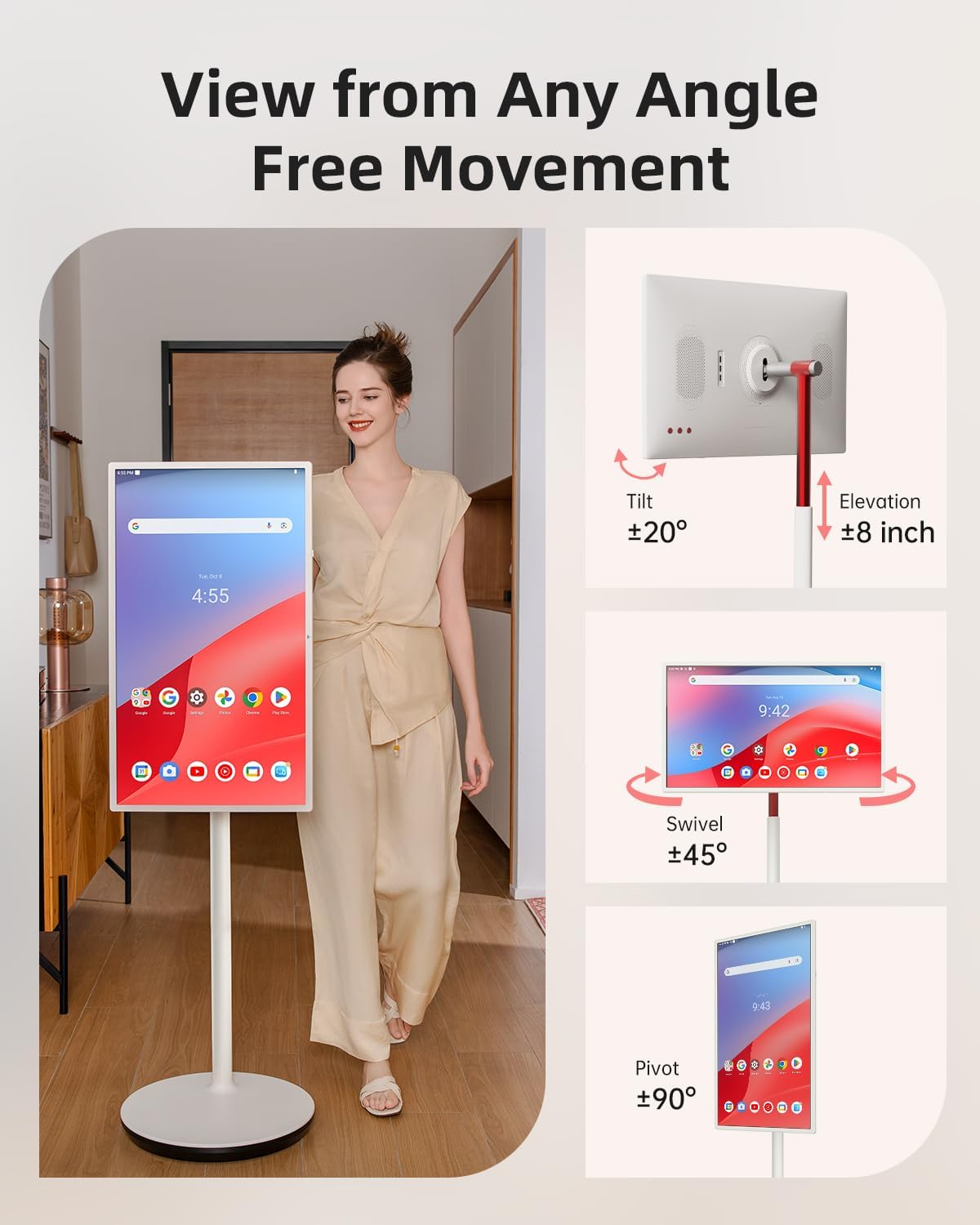
[FLEXIBLE ADJUSTMENTS AND PORTS]This standing TV allows you to comfortably enjoy your favorite videos from any angle—sitting or lying down—thanks to adjustable height, tilt, swivel, and pivot features The monitor also features a rich interface on the back, including HDMI 2.0 (1), USB 3.0 (1), and USB 2.0 (1) ports for easy connectivity.
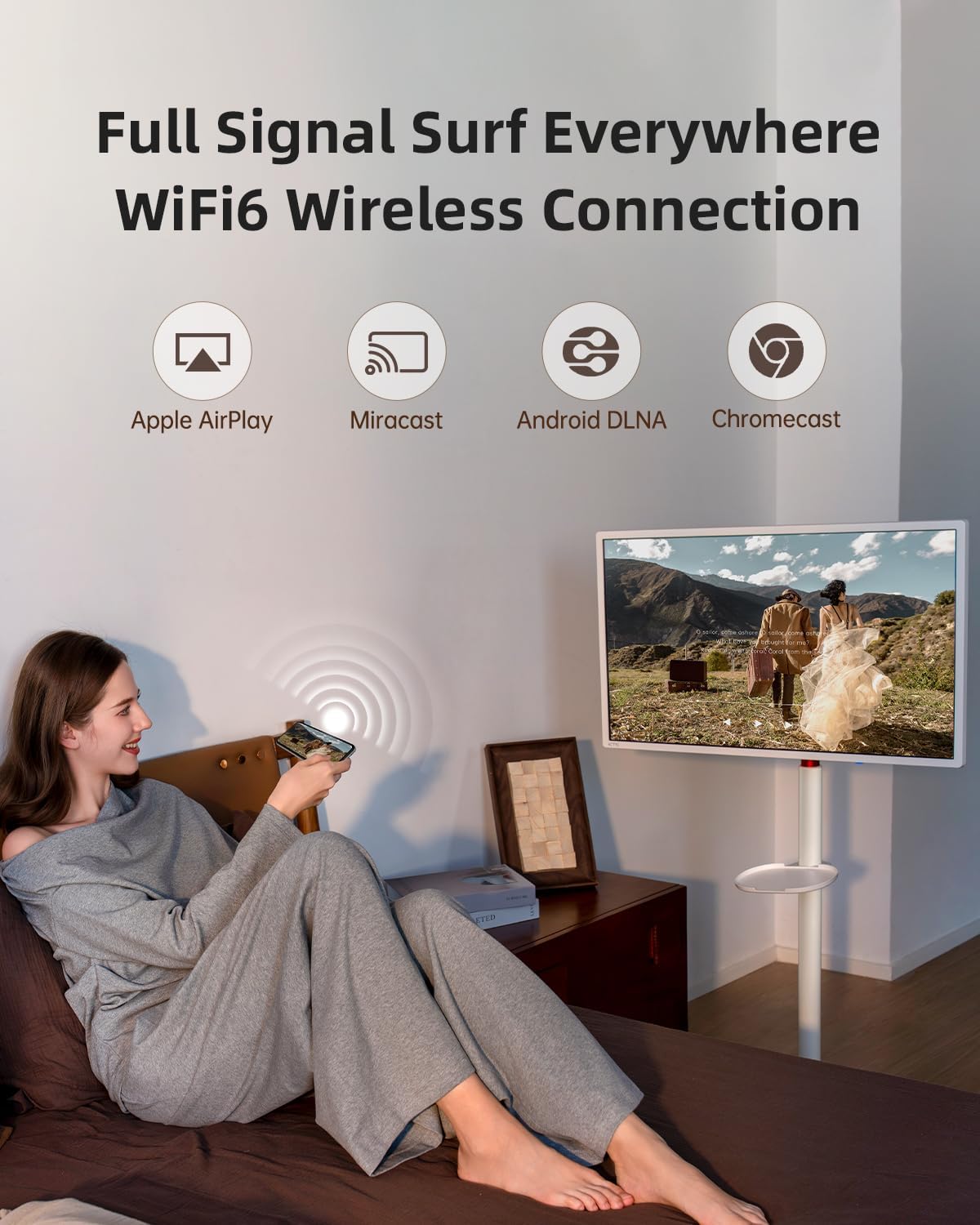
[WIRELESS PROJECTION SHARING]Our mobile smart screen offers both wireless and wired projection options, including advanced Wi-Fi 6 and Bluetooth 5.2 connectivity. This flexibility allows you to easily share your favorite content from your phone, tablet, or laptop with those around youEnjoy a seamless viewing experience with family and friends using this versatile mobile TV!
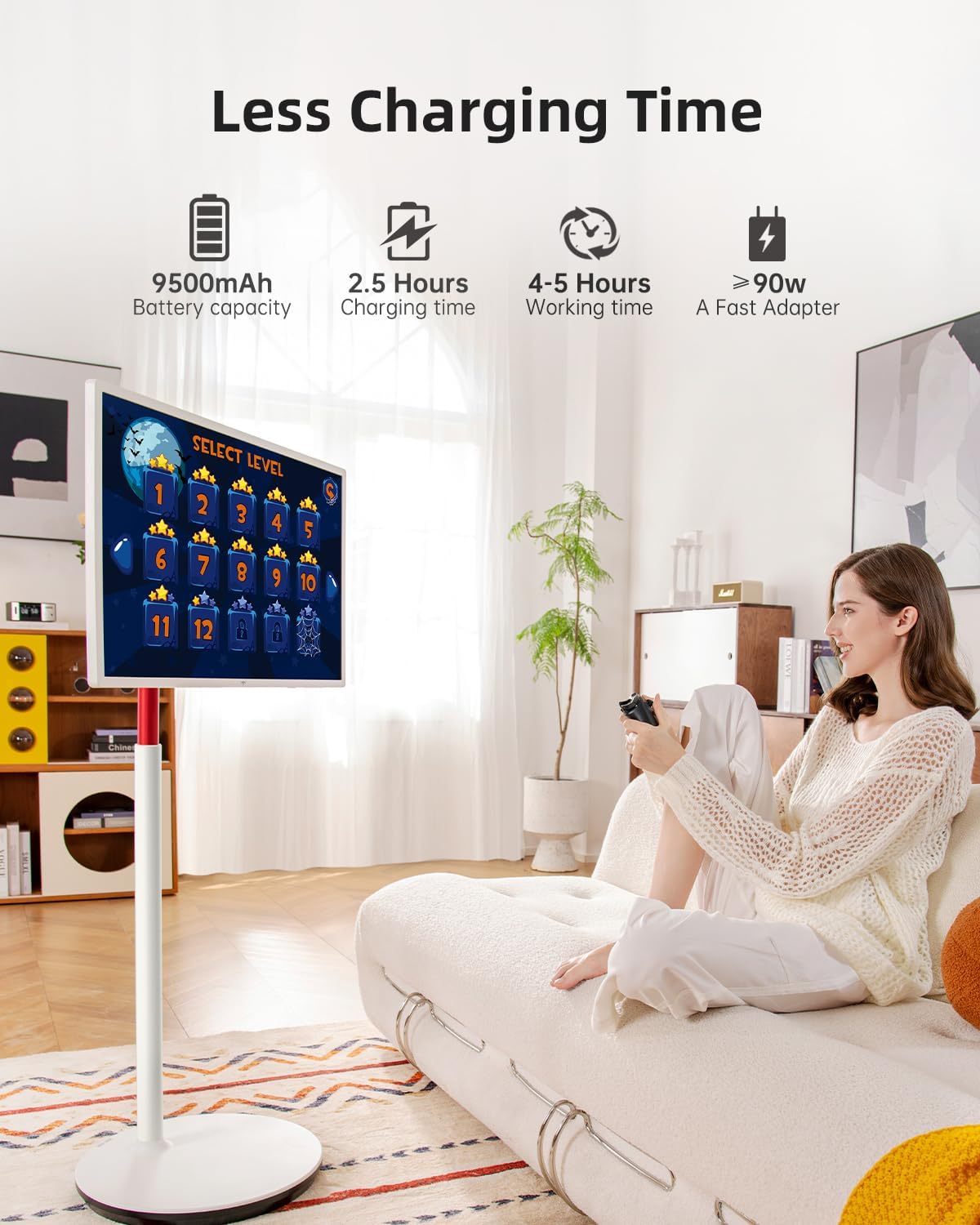
[TRUE WIRELESS FREEDOM & FAST CHARGING]The built-in 9500mAh battery fully charges in just 3 hours, providing up to 11 hours of music playback. Each portable TV on wheels comes with the wireless mouse and remote control, compatible with all apps, making it easy to use and control your device
[MOVE IT ANYWHERE]Designed for mobility, this battery-operated TV features 5 silent universal wheels, allowing you to effortlessly move it throughout your home. With dual 6W 3D speakers integrated into the lifting rod, it transforms into a mobile entertainment center—perfect for the living room, kitchen, bedroom, or outdoor gatherings!
[Year-round Assurance]Encountering issues? We support 1-year warranty and lifetime technical support.Any issues while using your battery operated tv portable, reach out to us, and we’ll provide a solution within 12 hours.
Description
Price: $899.99
(as of Sep 01, 2025 10:31:31 UTC – Details)
Product description
KTC 32 Inch 4K Portable TV
1 Wireless screen casting
2 Charging
3 Ports&Battery
4 Rockchip 8 Cores
5 Warning
What are the advantages of Google EDLA certification comparedto an open app ecosystem?
Google EDLA certification provides secure, direct access to Google services and the Google Play Store with regular updates, offering greater stability and data
protection than open app ecosystems with unverified apps.
Can I Download Apps, Like Zoom, Teams, etc.?
Yes, with Google Play Store access, you can download apps like Zoom, Teams or more apps on your MegPad A32Q7Pro, making it ideal for office and entertainment productivity.
What’s the Difference Between Android 13 and Android 11?
Android 13 offers better app compatibility and security than Androicd 11, ensuring your smartboard supports new apps and runs more smoothly in office or
classroom environments.
What should I do if the screen freezes or restarts automatically repeatedly?
Clear the cache in time and uninstall software downloaded from unofficial stores;
Back up data and try to **restore factory settings** and reset the system
[UNLOCK CONVENIENCE AND FUN]Ready to transform your entertainment experience? The KTC A32Q7Pro MegPad rolling TV moves effortlessly with you, transforming every space into a hub of entertainment, learning, or work. Whether you’re catching up on your favorite shows, cooking new recipes, or practicing yoga, MegPad brings convenience and joy, making every moment more engaging and enjoyable.
[CERTIFIED ENTERTAINMENT POWERHOUSE]Equipped with the latest Android OS 13.0 and boasting full Google certification, this tablet TV grants you access to over 100,000 apps on the Google Play Store. Powered by a high-performance Rockchip octa-core chip, along with 8GB RAM and 128GB storage, this portable smart TV ensures smooth performance and quick access to popular apps like Netflix and YouTube!
[32-INCH 4K TOUCHSCREEN MONITOR]Unlike typical 1080p rolling monitors, this 32 touch screen monitor features a vibrant 4K VA screen with Ten Point Touch, bringing your content to life.With a 3000:1 contrast ratio and 121% sRGB color gamut, colors pop with stunning clarity. The anti-glare screen ensures a comfortable viewing experience, perfect for both work and play!
[FLEXIBLE ADJUSTMENTS AND PORTS]This standing TV allows you to comfortably enjoy your favorite videos from any angle—sitting or lying down—thanks to adjustable height, tilt, swivel, and pivot features The monitor also features a rich interface on the back, including HDMI 2.0 (1), USB 3.0 (1), and USB 2.0 (1) ports for easy connectivity.
[WIRELESS PROJECTION SHARING]Our mobile smart screen offers both wireless and wired projection options, including advanced Wi-Fi 6 and Bluetooth 5.2 connectivity. This flexibility allows you to easily share your favorite content from your phone, tablet, or laptop with those around youEnjoy a seamless viewing experience with family and friends using this versatile mobile TV!
[TRUE WIRELESS FREEDOM & FAST CHARGING]The built-in 9500mAh battery fully charges in just 3 hours, providing up to 11 hours of music playback. Each portable TV on wheels comes with the wireless mouse and remote control, compatible with all apps, making it easy to use and control your device
[MOVE IT ANYWHERE]Designed for mobility, this battery-operated TV features 5 silent universal wheels, allowing you to effortlessly move it throughout your home. With dual 6W 3D speakers integrated into the lifting rod, it transforms into a mobile entertainment center—perfect for the living room, kitchen, bedroom, or outdoor gatherings!
[Year-round Assurance]Encountering issues? We support 1-year warranty and lifetime technical support.Any issues while using your battery operated tv portable, reach out to us, and we’ll provide a solution within 12 hours.
Customers say
Customers find the monitor’s picture quality excellent, with one noting its beautifully sharp resolution, and appreciate its high 165Hz refresh rate that reaches up to 280 fps. The display quality is good, with one customer noting consistent colors from any angle, and they consider it an excellent value for money. The functionality receives mixed reviews – while many say it works excellently, some report it stops working for 15 minutes. The screen quality is problematic, with customers reporting issues including dead pixels and screen flickering.
Additional information
| Product Dimensions | 40 x 9 x 20 inches |
|---|---|
| Item Weight | 40.3 pounds |
| Manufacturer | KTC |
| ASIN | B0DMV9QJWR |
| Item model number | A32Q7Pro |
| Batteries | 1 LR44 batteries required. (included) |
| Date First Available | November 13, 2024 |
| Standing screen display size | 32 Inches |
| Aspect Ratio | 16:9 |
| Voltage | 19 Volts (DC) |
| Resolution | 3840 x 2160 Pixels |
| Image brightness | 220.0 nits Candela |
| Total Usb Ports | 2 |
8 reviews for KTC MegPad 32″ Smart Portable TV, 4K Touch Screen Portable TV Monitor, Android 13 Google EDLA Certified 8G RAM+128G Storage, Octa-core CPU 9500mAh Battery, Dual 6W Speakers WiFi 6
Related products
-
- Sale!
- Electronics
Bluetooth Speaker with HD Sound, Portable Wireless, IPX5 Waterproof, Up to 20H Playtime, TWS Pairing, BT5.3, for Home/Party/Outdoor/Beach, Electronic Gadgets, Birthday Gift (Black)
- Original price was: 26.99$.19.99$Current price is: 19.99$.
- Buy Now
-
- Sale!
- Electronics
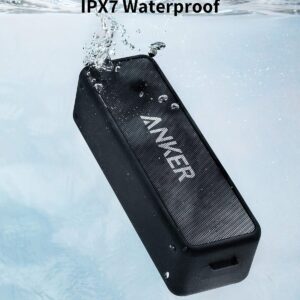
Anker Soundcore 2 Portable Bluetooth Speaker with Stereo Sound, Bluetooth 5, Bassup, IPX7 Waterproof, 24-Hour Playtime, Wireless Stereo Pairing, Speaker for Home, Outdoors, Travel
- Original price was: 44.99$.29.44$Current price is: 29.44$.
- Buy Now

Chris C –
I’m Not A Gamer And I’ll NEVER Spend A Lot Of Money On A Monitor
I’ve been using this Viewsonic VX2778-SMHD 27 inch monitor since Jan, 2017, Very nice monitor! But, then I built a dream machine. i7-14700K on an ASRock Z790 Riptide motherboard with lots of SSD’s and NVME drives. 48 gigs of very fast RAM and two DVDRW’s. I’m pretty good at this and I did my very best not to allow any bottlenecks and not spend money on silly things. It absolutely screams; it gets stuff done fast! I also have an older Intel computer, an AMD computer, and a Raspberry Pi in here. So I have an HDMI KVM switcher and an HDMI audio extractor (audio goes straight to a competent home stereo). So, I don’t play any games anymore, but I do want to get stuff done!There came a point where I wanted to make use of this somewhat better video card that’s better than anything I’ve ever used. (Still not for gaming, tho.) I scoured Amazon. I ended up getting an NVidia GeForce GTX 1660 used, that was DIRT cheap! I chewed my nails wondering if it was going to work, but it did and it does! From the first momen, for about 9 or 10 months! I forget how much memory it’s got, but it’s up there. So, now, I had this video card mostly going to waste (Except for hardware acceleration; that’s really nice!) So, I measured how much room I have. If I looked at monitors with really thin frames around the screen and measured and did the math… I decided on 32 inches. I scoured Amazon again and got to this monitor: (KTC H32T13 32 Inch)I had a little trouble. First of all, I’m lazy. I was still building that i7 and I set the monitor aside after unpacking it and went through all my other stuff I had to do first. (The other 2 computers mentioned above both needed some help.) (And the computer room needed some rearranging.) There’s also that fact that there was absolutely nothing wrong with the old Viewsoni; there was no pressure… Anyway! From March 22nd until just now – two days ago – it just sat there. I don’t even know where the quick start guide or whatever it is, went to, and I didn’t want to conduct a lengthy search. Someone wrote that the power button is in a bad place. It’s not that bad at all. I spent a little while finding it; reach your hand around the monitor’s right side, near the bottom and feel for it. It sticks way out. The only time I have to reach for it is when I’m leaving the computer room to watch TV or go out or whatever. I can’t reach it sitting down, but I’m getting up anyway at that point. Then I was totally puzzled, trying to figure out how to set the settings on the monitor. It wasn’t bad, but I wanted to tweak the brightness, contrast, hue, gamma, etc. It took me quite a while to figure out that that power button, which is also a menu button (if you just touch it instead of holding it for three seconds) IS ALSO A JOYSTICK! Remember that! You can move it left, right, up, and down. Once I figured that out, it has a VERY logical, easy to use menu, unlike the Viewsonic mentioned about. The next problem I had was that a lot of things were ghosted in the menu and couldn’t be selected. Scratching my head, I theorized that probably the video card was running the monitor and I turned to the NVidia Control Panel on the computer. There are at least three different places to set all that on that i7 machine, but it ended up being the screen display settings that did it.I love this monitor now! Plenty bright, fast, 2K, really great picture!! If the power button in the back is even a negative, I don’t mind a bit. Everything else about it is outstanding! In about a minute, I had all those settings set. Beautiful bright, colorful screen! Perfect! I also have an older Silicon Dust HDHomeRun dual tuner. I encountered something that’s never happened before! Watched “The Rifleman” in black and white. NEVER BEFORE have I had perfect black and white! Always some kind of tinge, usually in the dark places. I mean PERFECT black and white! Then I watched some stuff on Charge! (Streaming) and I adjusted color saturation and hue and got the skin tones right. Absolutely perfect picture, no matter what I do, now!!This is not a cheap budget monitor; this is an inexpensive performance monitor that works extremely well! I completely recommend it and I think it’s a super nice deal for the money!!
thinksojoe –
Great 4K monitor on a budget.
I previously had a BenQ 28″ 4K monitor but the backlight started to go 6 months out of warranty. I didn’t want to spend a lot so I took a look on Amazon, realized the next day was Prime Day, and got a very good deal on this one from this brand I’ve never heard of. The reviews were good, so I decided to try my luck. Out of the box, the color temperature was a little cool for my taste, but there’s plenty of adjustment options to get it just the way you like it. The display is very bright with very bold colors, I’m assuming that’s the HDR kicking in. While this does have an external power brick, you can plug that in with any IDE cable, so if you’re replacing an old monitor like I was, it was just as simple as plug and play. The almost borderless look of this monitor is great as well. It feels solid, it doesn’t seem to run hot at all, I think it’s definitely a good choice if you’re looking for 4K on a budget.
DJ EJ ones –
24 inch 1440p 100hz Monitor
I have been pleasantly surprised with this monitor. It was listed for only $110 and I got it $10 off so paid only $100 + tax. To get a 1440p monitor for so cheap is really incredible. The monitor does kind of have a cheaper feel/weight to it but it preforms well and that’s what counts as far as I’m concerned. It came with an HDMI cable which is adequate for a monitor that only does 100hz. If you prefer Display Port than it has an input for that but you will have to provide your own cable. As someone who pretty much exclusively plays single player games 100hz is plenty for me.When I decided to buy the monitor I couldn’t find any reviews for this specific version (24″ 1440p 100hz). There were plenty of good reviews for other versions but not for this one. I am glad I decided to go ahead and buy it anyway. It really is a nice step up from my previous 1080p 27″ 75hz LG monitor which I think was probably meant more for an office than a gamer. I was not sure how noticeable the jump up in resolution would be but it is noticeable and quite nice. The games look better, text is clearer and easier to read, and I noticed that even the UI for Windows and programs I use like Shotcut just look better and seem to be made with higher resolutions (QHD and above) in mind. The jump from 75hz to 100hz has been less noticeable but again I play single player games, also I prefer to play with a controller, and I come from decades of playing on consoles where a solid 30fps is considered pretty good and 60hz a bit of an anomaly.This monitor does accept an HDR signal but I have not been able to test that out much yet. Also I don’t believe it has the HDR 400 certification but at this price this is not surprising and from what I hear HDR 400 monitors aren’t really all that great for HDR. The cheapest HDR monitor I’ve scene recommended costs $280, which is quite a jump up from the price of this monitor. Also Windows reports it as a 10 bit monitor. I’m not sure if that was mentioned in the specs but that is nice to see on a budget monitor (instead of only 8 bit). One thing some people might not like about this monitor is it does not have much customization in terms of brightness and colors and things like that. If you are the type of person who really likes to tinker with those kinds of sliders and settings than this is not the monitor for you. It has 7 different presets that you can choose from but that’s just about it as far as the choices go. For me there are a few that I like so I have no complaints and if you like to keep things simple than this could be a positive but if you need to tinker than find a different monitor. It does have crosshair and FPS counter choices in the settings but I have not tried them as I do not have a need for them.Before finding this monitor I had never seen a 1440p monitor at 24″. They were always 27″ and above when I looked. I have to say that initially I kind of missed the extra screen space with the 27 incher but after a couple weeks I got used to it and honestly do think it is a great size. It allows me to be closer to the screen and actually sit at my desk whereas before with the 27″ monitor I had to sit a bit back to be able to comfortably take in all the screen real estate. If you are coming from a smaller size monitor than I think this will be a nice upgrade. If your previous monitor was bigger just know that it might take a week or 2 to get used to the smaller size but I think that once you do, you will not miss the bigger screen. Also the pixel density is pretty high at 1440p 24″ as most monitors this size are only 1080p.So in conclusion if you are like me and just want an inexpensive but well made 1440p monitor, than I think you will be happy if you choose this one. This KTC H24T27 is very nice for single player gamers like myself or anyone looking for a 24″ 1440p monitor. If you are the type of gamer that plays multiplayer games and needs high refresh rates than obviously this is not the monitor for you, I would suggest something with at least 160-180hz.
Artur –
Excelente custo benefício. Tela brilhante. Estrutura não tem nada de especial, mas não é cafona, como a de muitos monitores gamers por aí.
j a parkinson –
Do Not Buy! This isnt real, the pictures shown all show 1920 x1080p but is advertised as 2560 x 1440p, This is not a 2K monitor and should not be advertised as such.
Iron Mouse –
I’m very pleased with this monitor. Overall, the screen is bright and sharp, and the monitor as a whole is slim and lightweight. As others have noted, the bezels are very narrow (3mm) but there is a black border at the edges of the screen that takes away another 6mm, so it’s not quite as impressive as the ‘illustrations’. I sit fairly close, so I do notice some fading at the corners. This is due to viewing angle, not an actual defect, and it’s pretty subtle. I find that the monitor wakes up more quickly than my old one. The included stand is humble, but probably adequate. I use a wall-mounted monitor arm, so I was happy to not pay a higher price to have fancy stand. Out of the box, the colour balance seemed very blue, so I did make some adjustments to that when I set it up.
Jerry-Wong –
Great monitor.The stand is very sturdy and it comes with screw and screw driver.Also have 2 hdmi ports.
Ramin H. –
This is a good monitor, 75Hz for the price is good too, and no dead or hot pixels. So far so good, but the only button behind the monitor for everything including OSD settings drives me nuts! I have to move the monitor and bend my hands to access it every time which is frustrating beyond belief! The first time I used the monitor it took me half an hour to adjust the settings to my liking and I had wrist ache for a week! Then I realized I had to do this every time I want to access the presets (not to mention it’s tricky to access) which I do it quite often for watching movies or playing video games. All the brains in the world wouldn’t have been able to come up with such a genius idea, I kid you not!